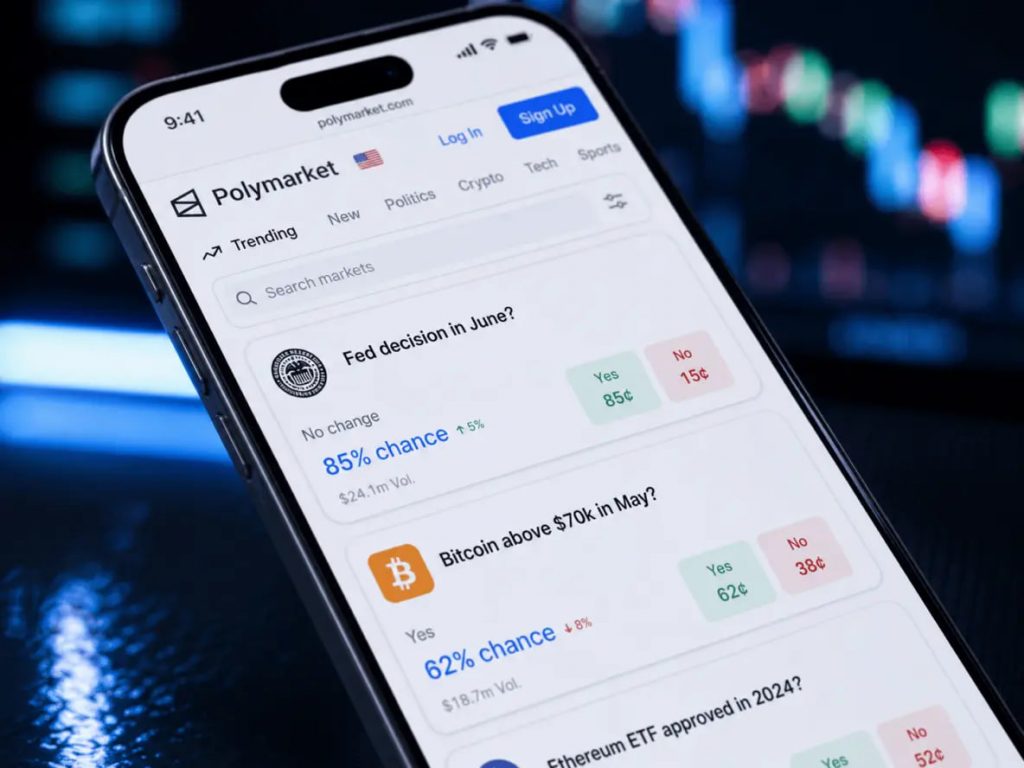
A Chrome extension with under 400 installs is not the kind of tool most people write about. But in this Polyteller review, that small number is exactly the point: it is a free, open-source add-on built for Polymarket traders, and it does four narrow things well instead of trying to be a full analytics dashboard. No wallet connection, no account, no data sent anywhere — everything runs locally in your browser.
What Polyteller Actually Does
Polyteller adds four features directly on top of the regular Polymarket website. There is no separate app and no login screen. You install it, and it quietly changes how market pages look and behave.
- Live countdowns. Every market resolution time gets converted to your local timezone automatically, including daylight saving adjustments, and updates without a page refresh.
- Custom notifications. You can set alerts to fire minutes or days before a market resolves, and they work even if the Polymarket tab is closed.
- Privacy mode. One click hides your portfolio balances across every open Polymarket tab, which is handy if you are trading on a shared screen or screen-sharing on a call.
- Trade confirmation. An optional pop-up with a short countdown appears before an order fires, meant to catch fat-finger clicks before they cost money.
None of these are complicated features. That is the appeal. Traders who have struggled with setting up price alerts on Polymarket will recognize the gap Polyteller is filling — the platform itself doesn’t give you much control over reminders, and this plugs a real hole.
Why the Timezone Feature Matters More Than It Sounds
Most Polymarket resolution times are listed in Eastern Time. If you are trading from London, Berlin, or Manila, that means doing mental math every time you check a deadline. Get it wrong once on a jobs-report market or an election market, and you can miss the window to exit a position.
One Chrome Web Store reviewer summed up the exact problem Polyteller solves: being in a different timezone than ET kept causing confusion over resolution times until the extension fixed it automatically. That is the kind of small, unglamorous fix that saves a trader from a real mistake rather than just looking nice on a dashboard.
Installation and Permissions
Setup takes under a minute. You add the extension from the Chrome Web Store, pin the icon, and it activates automatically on Polymarket pages. There is no signup step and no wallet linking required for any of the four features.
The extension requests three browser permissions: storage, alarms, and notifications. Storage lets it save your settings locally, alarms let it schedule the countdown alerts, and notifications let it push the actual pop-ups. According to a third-party code audit from Koi Security’s extension report, the code is unobfuscated, makes no external API calls, and shows no evidence of data exfiltration — the risk rating came back low. That audit also flagged the extension’s small install base and unverified individual publisher as a trust factor worth weighing, separate from the code quality itself.
The Catches
Polyteller is small by design, and that comes with real limits. There is no price-tracking chart, no wallet analytics, and no leaderboard data — if you want that kind of depth, you are better served by a dedicated analytics tool, something we cover in our breakdown of Polymarket analytics platforms.
The developer is a single person operating under the polyteller.com domain, not a company with a support team. Updates have been steady — the last one shipped in June 2026 — but there is no guarantee of long-term maintenance the way there would be with a venture-backed product. The MIT-licensed, open-source code is on GitHub, which at least means anyone can inspect exactly what it does rather than take the privacy claims on faith.
It is also Chrome-only, though it works on Chromium-based browsers like Edge and Brave. There is no Firefox or Safari version, and no standalone mobile app — on phones, the confirmation dialog is disabled since there is no room for it on a small screen.
Who Should Actually Install It
If you trade across multiple time zones, or you have ever fat-fingered an order and wished for a second to cancel it, Polyteller solves a specific annoyance for free. It won’t replace a proper order-book reader or a portfolio tracker, and if you’re still getting familiar with how pricing works on the platform, start with our explainer on Polymarket’s bid-ask spread before worrying about extensions at all.
For traders who already know their way around the platform and just want fewer timezone mistakes and fewer accidental clicks, it is a genuinely useful four-feature tool that costs nothing and asks for almost nothing in return.
FAQ
Is Polyteller safe to use on Polymarket?
A third-party security audit found the code unobfuscated with no external API calls and no signs of data exfiltration, rating it low risk. The main caution is that it comes from an individual developer with a small install base rather than a verified company.
Does Polyteller cost anything?
No. It is listed as completely free on the Chrome Web Store, with no premium tier, subscription, or ads.
Does Polyteller work on mobile?
It is a Chrome browser extension, so it only runs on desktop Chrome or Chromium-based browsers like Edge and Brave. The trade confirmation dialog is specifically disabled on small screens.